




Fridayroll Casino App: Mobile Gaming
Your smartphone is always at your fingertips, so whenever you’re in the mood to play, the Fridayroll app is the most convenient way to do it. It’s compatible with various operating systems, updates automatically and works reliably even with an unstable internet connection. And thanks to its familiar interface, navigation feels easy from the moment you launch it.



Fridayroll Mobile Platform
You can use Friday Roll Casino on your phone in two ways: through a mobile browser or with the app.
The browser version doesn’t require any installation – you can just open the website, and it will adapt to your screen automatically. However, it’s still a page opened in a browser – with an address bar and standard navigation elements.
The Fridayroll app gives you a more user-friendly experience. After installation, you can launch it directly from your phone’s home screen. The interface feels like a real application, without extra browser elements. And thanks to caching, it can also handle connection problems better and keep working if your internet temporarily drops.
Fridayroll Casino on Android
If you want to get the Fridayroll app on your Android device, don’t rush to look for it in Google Play. You won’t need an APK file to install our application – any player can find it directly on our website.
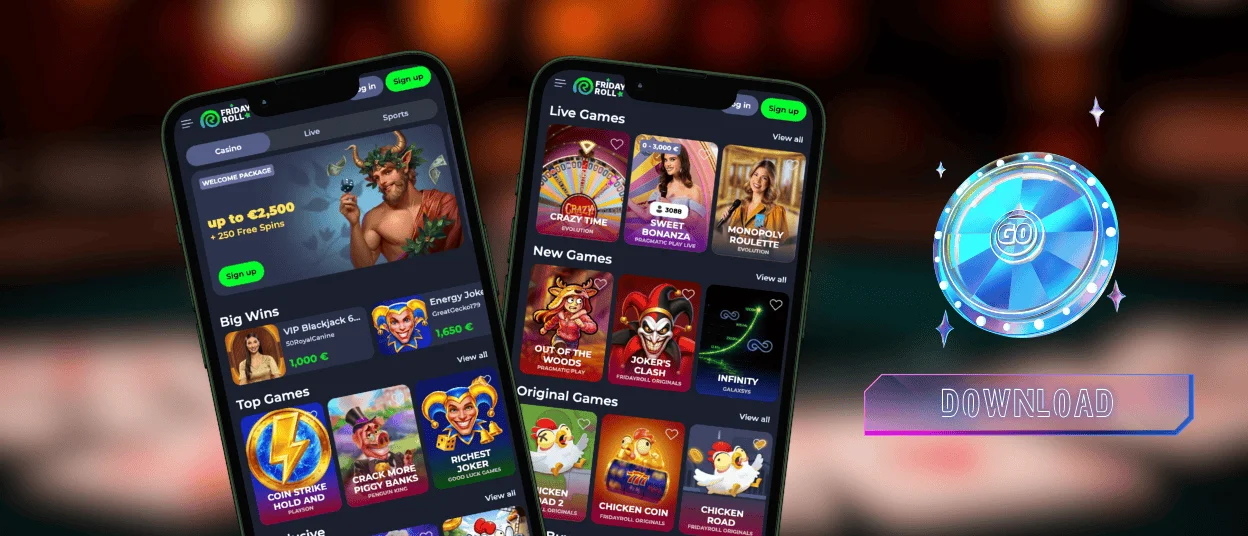
Our solution works as a progressive web app that automatically adapts to any version of your operating system and your device’s screen size. So you can easily use it on:
- Small smartphones – 4.5-5.5″
- Standard devices – 5.5-6.7″
- Large phones and tablets – 7-12″
Also, you don’t need to clear storage on your phone. The Friday Roll app takes up 10 times less space than native solutions, so you won’t notice a difference in available capacity before and after installation.
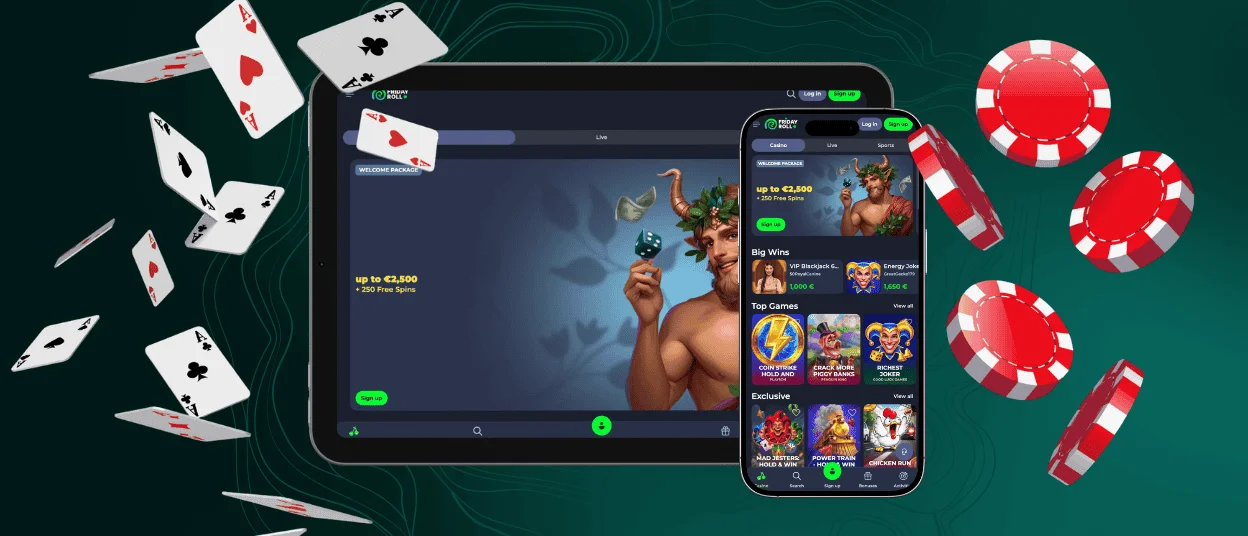
iOS Application of Fridayroll Casino
The Apple ecosystem places a strong emphasis on privacy, and the Fridayroll app follows the same principle. It doesn’t request access to unnecessary device features like contacts, files or other apps.
The PWA format works very well on iOS because its features are fully supported by this operating system.
- Real-time alerts – You can stay up to date with new bonuses and important seasonal promotions on your iPhone or iPad thanks to push notifications.
- Optimized battery usage – Because of its lightweight format, the PWA consumes fewer resources, so your battery lasts longer while you play.
- Secure login – iPhone supports Face ID and Touch ID, so you can set up a more convenient and secure way to access your Fridayroll account.
- Simple verification process – It’s very easy to complete the KYC procedure directly from your iPhone: you can quickly upload the required documents in the Verification window by tapping the Add button.
Also, the Fridayroll app is constantly updated in the background, so you don’t need to download new versions from the App Store.
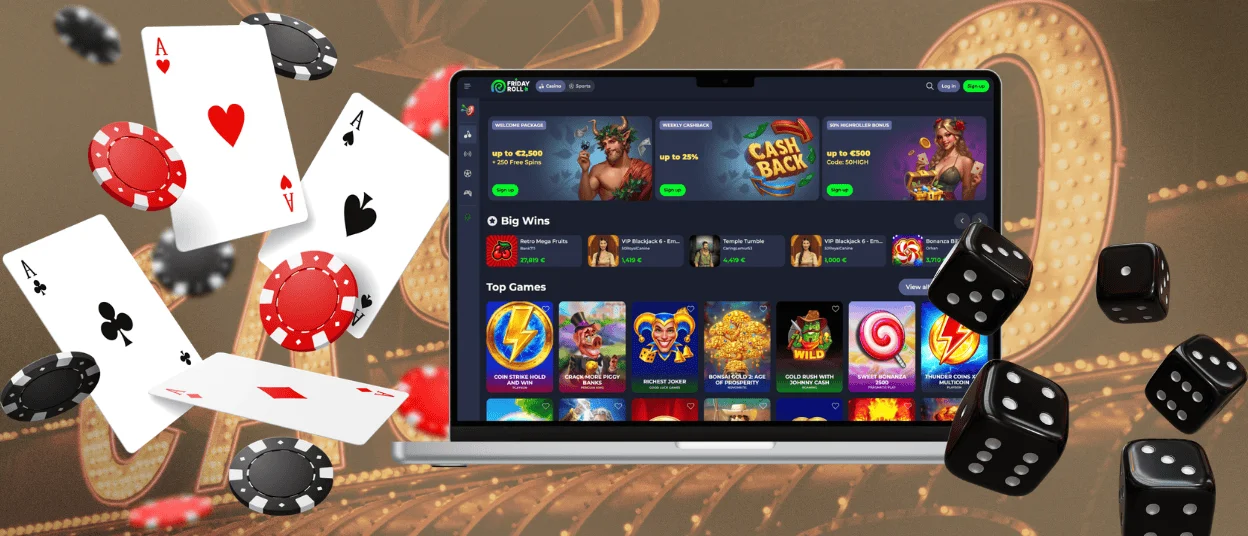
Friday Roll on Windows and macOS
The Fridayroll app is available for laptops and computers as well. The installation process is the same for all devices you plan to use it on.
Open the app card by clicking the Casino App button and select “Install”. After a few seconds, check your desktop – you’ll see a new shortcut there.
If your computer is password-protected, you can save your Fridayroll Casino login credentials. This will let you launch our platform just as easily as any other program on your device. And with just one click, you’ll be taken to the familiar environment, where you’ll find a large collection of games and other features of our online casino.
Mobile Compatibility Checklist
Our app supports all the main Fridayroll Casino features on mobile devices. What’s more, some of them are even more user-friendly than on desktop.
| Aspect | Supported Features | Details |
| Games | Online slots, table games, Live Casino, Instant Win games | At our mobile casino, you can play on the go. The app automatically adjusts streaming quality based on your internet connection. Slot controls are also optimized for smaller screens. |
| Payment systems | Cards, cryptocurrencies, e-wallets and mobile payments | You can make deposits with Apple Pay and other mobile payment methods without entering your details each time. |
| Tournaments | Participation and result tracking | You can view rankings and prizes on mobile without zooming or scrolling. |
| Sports | Full mobile betting experience | You can check betting lines and create your bet slip from the same page. |
| Support & live chat | 24/7 access to our support team | The Live Chat button is always easy to find, so you don’t need to search through the platform to get help. |
That’s why the Fridayroll app is ideal for mobile devices. Thanks to caching and Service Workers, it provides stable performance even on the go, when your internet connection may be inconsistent.
Our application is also great for short gaming sessions. You don’t need to open your browser, search for the right page and open tabs every time – just tap the shortcut to start playing right away.
FAQ
Can Android and iOS players use the same Friday Roll account?
Yes, you can use a single account on any device or operating system. For example, you can play poker on your computer and then spin some slots on your smartphone. Just make sure that you don’t play on both devices at the same time, because our system may detect this as suspicious activity and temporarily block your access.
Will my gaming experience be interrupted if I accidentally close the app?
No, your Fridayroll Casino session will remain active as long as you haven’t logged out of your account. So you can close the application and continue playing after half an hour or even later.
Where can I check out user reviews of the app?
You can see what our players think about the Friday Roll mobile experience by clicking the Casino App button. This will open the app page, where you can explore user ratings and reviews.


